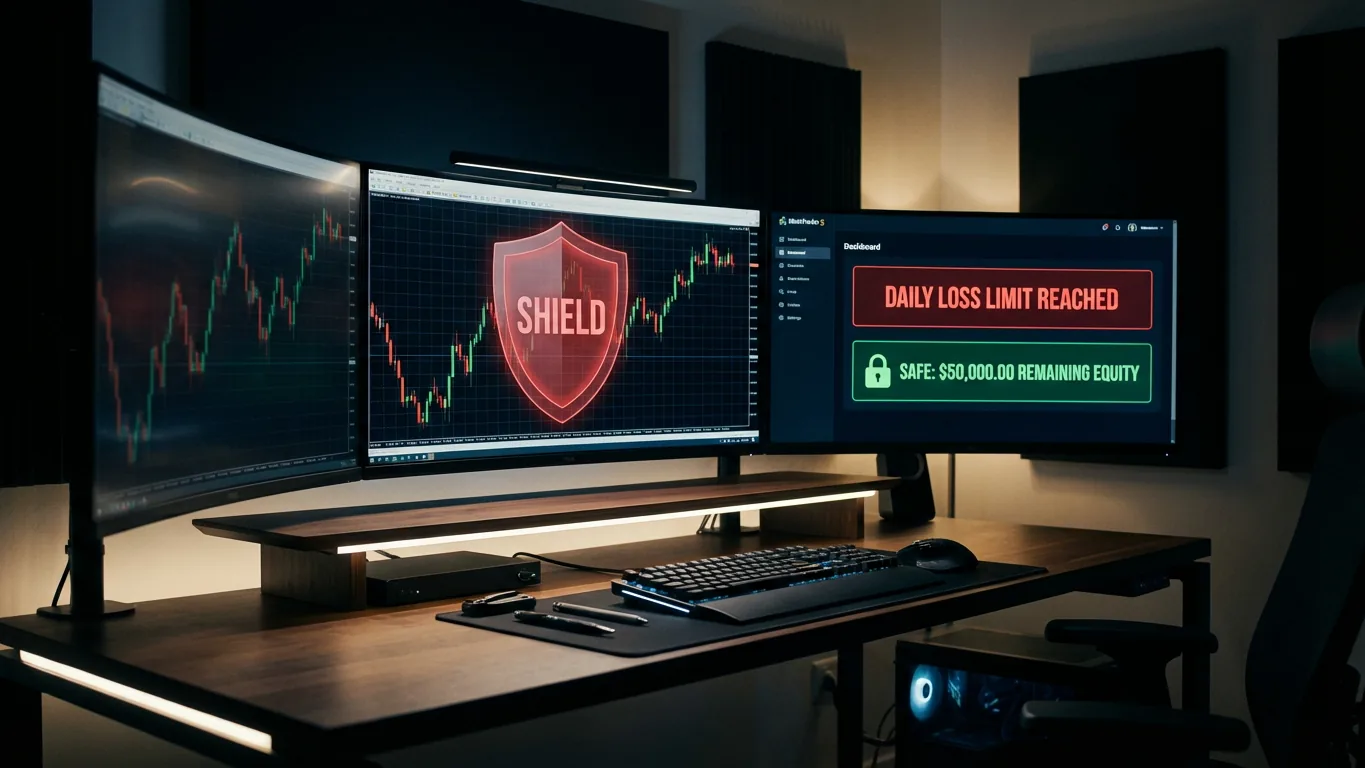
Why Every Serious Trader Needs a Daily Loss Limit
As a trader, your greatest enemy isn't the market—it’s yourself. We’ve all been there: a few losing trades spark a moment of frustration, leading to "revenge trading" and, eventually, a blown account.
In my years of trading, I’ve learned that the difference between a professional and an amateur isn't just the strategy; it's the discipline to stop. Today, I’m going to explain how to use a Daily Loss Limit to act as your digital "circuit breaker" and why it is the most critical tool in your risk management arsenal.
What Exactly is a Daily Loss Limit?
A Daily Loss Limit is a pre-defined threshold that dictates the maximum amount of money you are willing to lose in a single trading day.
In the ProRiskManager MT5, this isn't just a simple number for one chart. It is an account-wide protection that monitors both your closed trades and your floating (open) P/L.
- The Threshold: Once your losses (Balance + Floating Equity) hit the limit, the EA takes action.
- The Action: The EA can block new trades or even automatically close all open positions to prevent further damage.
The "Prop Firm" Survival Tool
If you are trading for a prop firm (like FTMO, Apex, or MyForexFunds), the maximum daily drawdown is usually the #1 reason traders fail their evaluations. Most firms have a strict 4% or 5% daily limit.
Using a professional equity protector like ProRiskManager MT5 allows you to:
- Sync across charts: The EA synchronizes your limit across all open MT5 windows.
- Automate Compliance: It ensures you never accidentally violate the prop firm’s rules, even if you are away from your desk.
- Floating Loss Protection: Unlike basic scripts, this monitors "Floating" equity, which is crucial for meeting drawdown requirements.
How It Works in Practice: The "Revenge Trade" Scenario
Imagine you’ve had a rough morning and lost 3% of your account. You feel the urge to "get it back" by doubling your lot size.
With the Daily Loss Limit active:
- Visual Warning: You see a segment-bar on your GUI showing you are approaching the danger zone.
- Hard Block: If you try to open a new trade after hitting your limit, the EA blocks the execution.
- Manual Trade Alerts: Even if you try to open a trade manually, the EA will issue a warning that your daily budget is exhausted.
Advanced Logic: Synchronization and Auto-Close
The Pro version of the EA goes a step further by offering Daily Drawdown Synchronization. If you have the EA running on multiple charts, it intelligently uses the lowest (most conservative) limit to ensure total account safety.
Furthermore, you can set an Auto-Close Threshold. For example, if your limit is $1,000, you can set the EA to "pull the plug" and close all positions once you reach 95% of that limit, ensuring you stay well within your safety margins.
FAQ: Frequently Asked Questions
Does the Daily Loss Limit include open trades?
Yes. The Pro version monitors both Closed + Floating losses to give you a true picture of your account risk.
Can the EA close trades I opened manually?
Yes. If the "Auto-Close" feature is enabled, it can close all positions on the account once the limit is hit, regardless of whether the EA or the trader opened them.
How do I know how much "room" I have left?
The GUI includes a visual Daily-Loss segment bar that updates in real-time, so you always know exactly how close you are to your limit.
Will it work if I have MT5 open on multiple charts?
Absolutely. The EA synchronizes the limit across all charts to ensure consistent protection.
Stop Risking Your Capital on Emotions
Trading without a hard daily limit is like driving a car without brakes. Eventually, you will crash. Take the emotion out of the equation and let the technology handle the discipline for you.
Upgrade to ProRiskManager MT5 Pro and Secure Your Account Today